Categorize relationships between family, business or any other description
Hyperlink directly to related profiles
Easily see who you know that works at a certain company
Store Social Network Pages
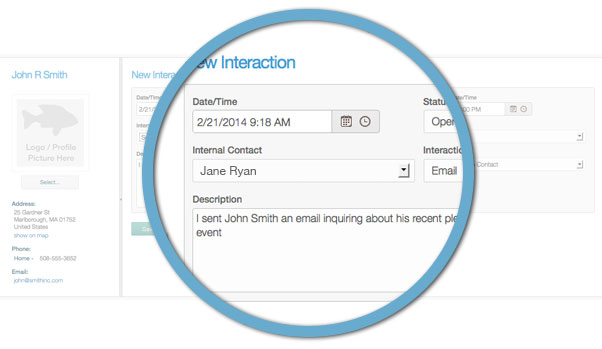
Track Interactions
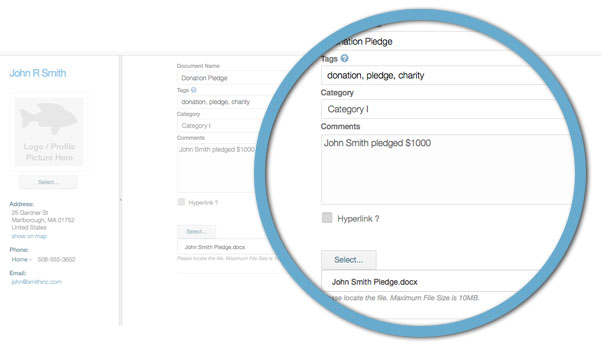
Import Documents
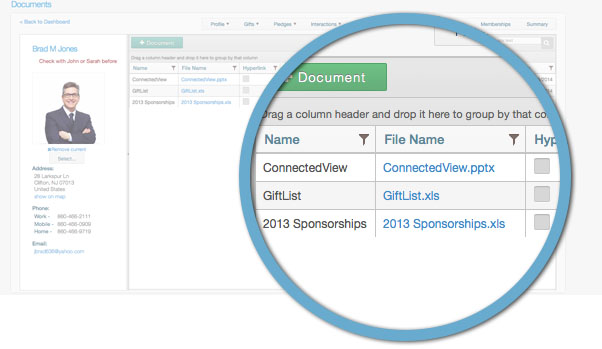
Document Grid
Maintain multiple addresses, phones & emails for each constituent
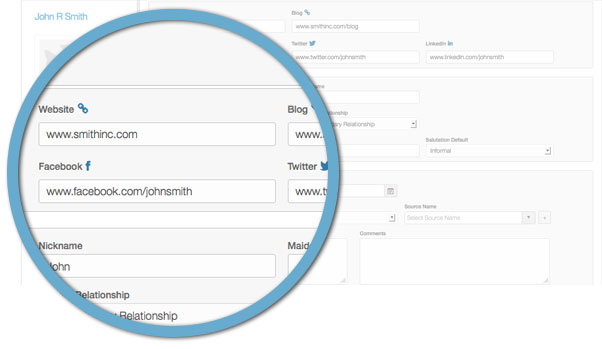
Store constituents’ social network pages, including their website, blog, Facebook, Twitter & LinkedIn accounts
Personalize your communications using constituent profile details
Send Newsletters/Campaigns via integrated Email Marketing
Request feedback using online Surveys and Polls
Create email lists based on specific profile or gift data
Click on an email address to send an individual email
Easily add a button on your website for constituents to join your email lists
Allow constituents to view previous email campaigns with a Campaign Archive on your website
Track phone calls, emails, events or any other type of interaction with your constituents
Create and assign follow up tasks to others at your organization
View a list of your open follow up tasks
Attach unlimited documents to constituent records
Add tags to each document for easy searching
Categorize documents with user-defined categories
Create hyperlinks to documents stored online
Export lists to Excel that contain hyperlinks to the documents stored
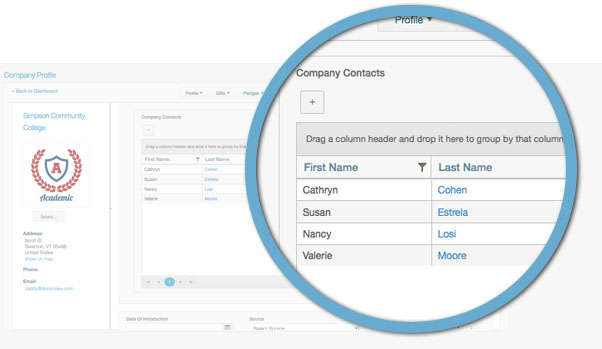
Create Company Relationships
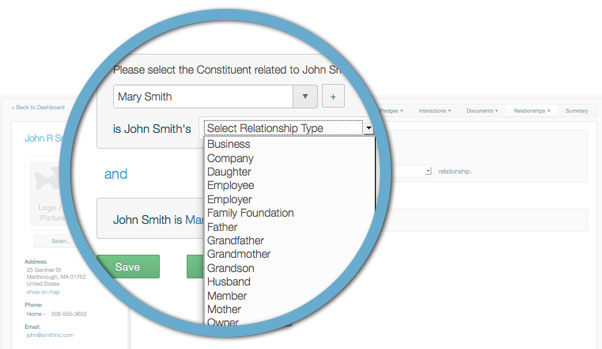
Create Family Relationships
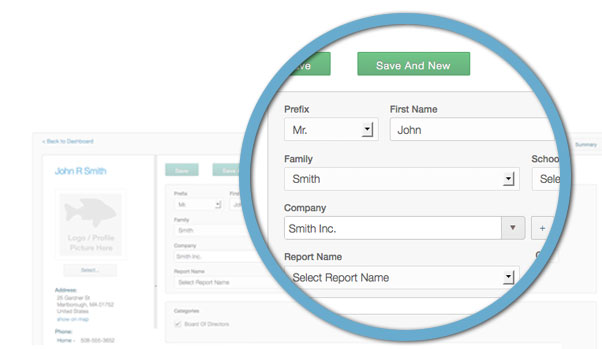
Create Constituents
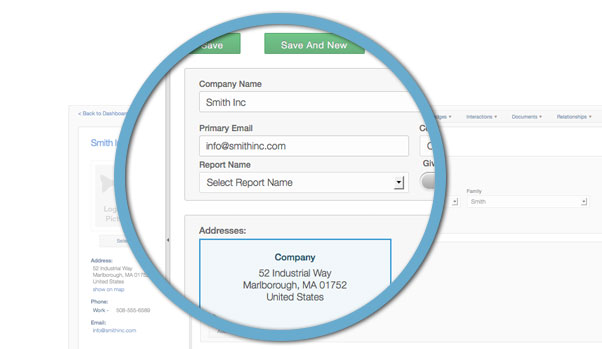
Create Companies
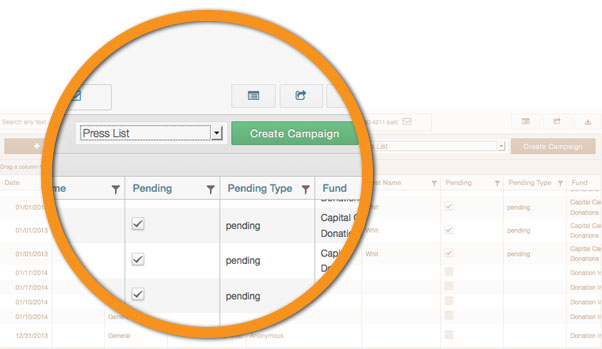
Fund Raising
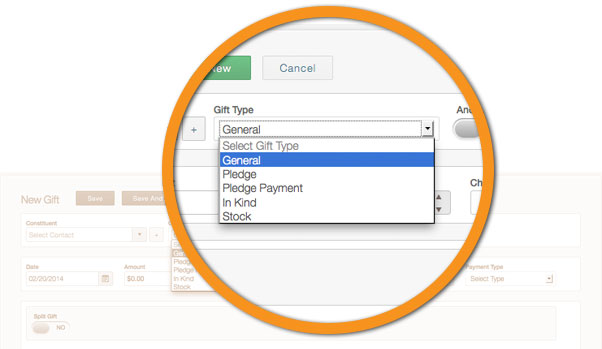
Create general, in-kind, stock donations or pledges
Distinguish between cash & check payments
Classify each gift with user-defined funds, events & appeals
Apply gifts to a particular family or household
Assign a different name for gift reporting and recognition
Split gifts across different funds, events & appeals
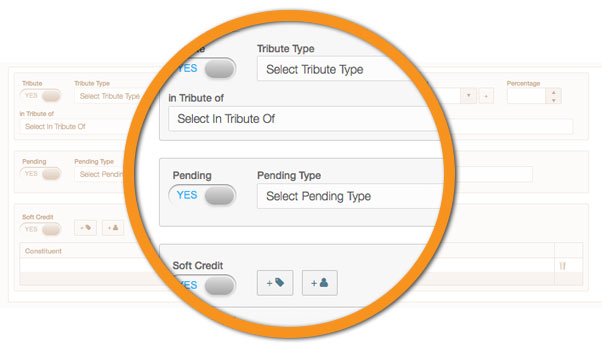
Classify tribute gifts that are in memory of, in honor of, or in name of
Attribute soft credits for gifts made by more than one constituent
Track matching gift constituents and percentages
Tag gifts that are anonymous
Distinguish the tax deductible amount of the gift from the total gift amount
Identify gifts as pending in case they are not finalized
Look up the current stock price on Google Finance for stock donations
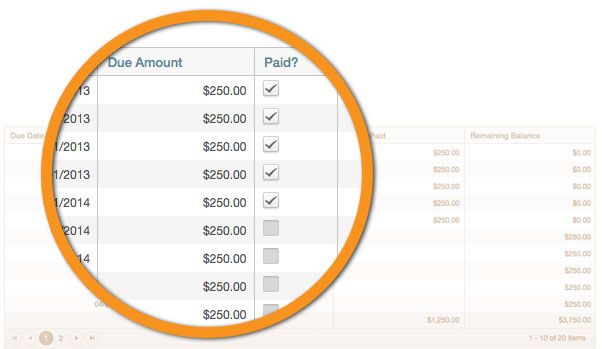
Complete pledge payment tracking, including payment dates and remaining balances
Calculate pledge schedules on number of years or payment amounts
Select from multiple payment frequencies
Adjust specific due dates and/or amounts for unique payment schedules
Classify each pledge with user-defined funds, events & appeals
Attribute pledges to a particular family or household
Assign a different name for reporting and recognition
Split pledges across different funds, events & appeals
Classify tribute pledges that are in memory of, in honor of, or in name of
Track matching pledge constituents and percentages
Attribute soft credits for pledges made by more than one constituent
Designate pledge overpayments as an additional gift or towards the next payment due
Identify pledges as pending in case the required documentation has not been received
Create Email Campaigns
Send Individual Emails
Export to Excel
Donation Summary
Send personalized email acknowledgements using profile and/or donation data
Instantly create email lists of constituents based on gift or pledge data
Send acknowledgement emails through integrated email marketing
Click on an email address to send an individual email
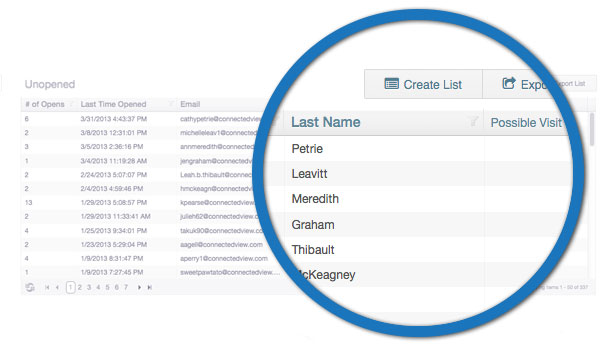
View who opened their email or clicked on any links in the email
Include a donor satisfaction survey in your gift acknowledgement
Export gift and pledge information across all donors
Excel based flexible reporting options
Store gift and pledge documentation on the constituent record
Analyze donations over time by relationship type
Search & Filter gifts by gift details or constituent categories
View gifts by family or household
Group donations by solicitor
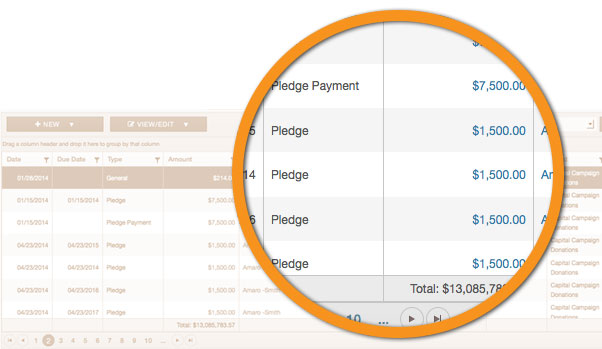
Track all Pledges
Create Pledge Payment Schedules
Gift Types
Gifts in Memory Of
Track all Gift Types
Online Donation
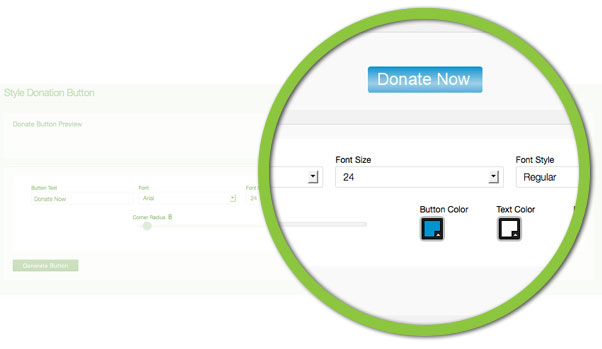
Ability to create a fully customizable “Donate Now” button – change the text, color, font or size
Add a “Donate Now” button to your website
Publish a “Donate Now” button on your social media pages
Include a “Donate Now” button in your email communications
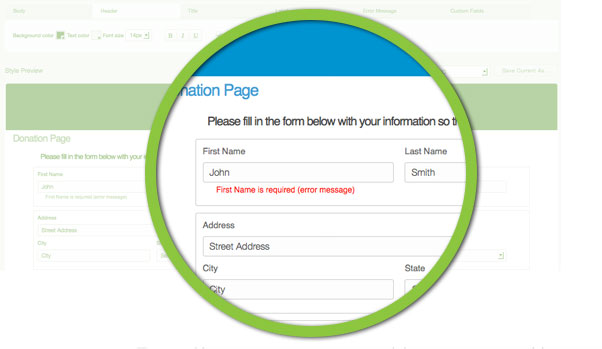
Customize your donation page with colors, fonts, your logo, error messages and much more
Apply professional, pre-designed themes to your donation page
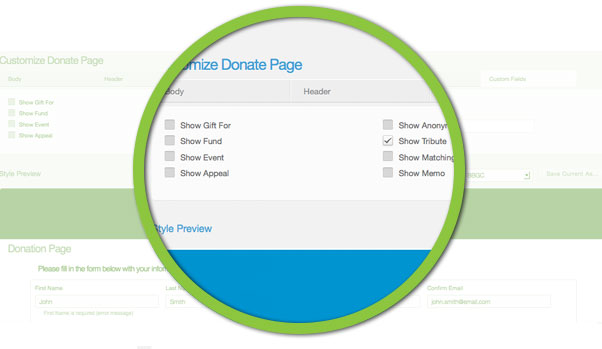
Add custom fields to donation page to capture specific information about the donation
Allow donors to join your email lists directly from the donation page
Donations captured online are automatically recorded in CRM and Fundraising
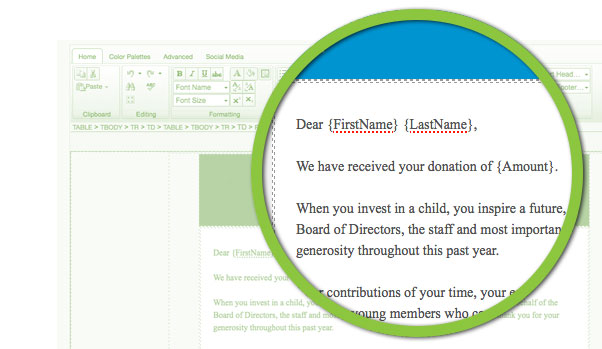
Customize the acknowledgement email with an advanced html editor
Send automatic acknowledgement emails to online donors
Receive internal notification emails for each online donation received
Custom Donation Form
Optional Form Fields
Custom Donate Button
Custom Donation Form
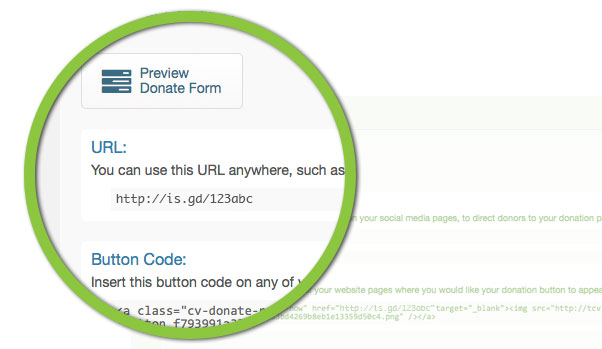
Embed Donation Button
Peer 2 Peer Fundraising
Setup multiple community fundraising events
Insert and display event dates, locations and event descriptions
Get notified via email whenever a donation is submitted
Insert a target amount for your fundraising event
Enter instructions for donors to send in donations by check
Insert contact information the event contact person
Charts and graphs that can be embedded on your website to show progress
Campaign fundraising to goal comparison bar graph
Team participant chart
Top team fundraising bar graph
Top individual fundraising bar graph
Track all incoming donations on a grid for all teams and individuals
Community Fundraising Portal for your participants
Participants can create new accounts to help fund raise for your event
They can create their own custom donation pages.
Add their own personal story to the page
Insert their personal fundraising goal
Keep supported updated with new photos and status updates
Supports can donation right on the fundraising page
Fully secured transactions – no credit card information stored at DonorView
They can track their supporters and each donation
Track their teams fundraising status
Event Management
Create unlimited events with custom registration pages
Allow unlimited ticketing options with specific pricing
Include non-refundable transaction fees for any ticket level
Offer additional event options to purchase with any ticket plan
Use the html editor to create custom descriptions of each ticket level
Ability to create a fully customizable “Register Now” button – change the text, color, font or size
Customize your event registration page with colors, fonts, your logo, error messages and much more
Apply professional, pre-designed themes to your event registration page
Upload a document and specify if it requires the attendee’s acknowledgement
Add a “Register Now” button to your website
Publish a “Register Now” button on your social media pages
Include a “Register Now” button in your email communications
Allow attendees to pick their ticket level and any additional purchases
Show updated cost as the attendee makes their selections
Fully secured transactions – no credit card information stored at DonorView
Allow event attendees to join your email lists directly from the registration page
Customize the acknowledgement email with an advanced html editor
Send automatic acknowledgement emails to event participants
Receive internal notification emails for each event registration received
Send Event communications via integrated Email Marketing
Click on an email address to send an individual email
Request event feedback with integrated surveys and polls
Manage events from your mobile device
Memberships + Programs
Create unlimited membership plans
Allow unlimited plan levels with specific pricing
Include non-refundable transaction fees for any plan level
Offer additional membership benefits with any plan
Use the html editor to create custom descriptions of each plan level
Ability to create a fully customizable “Join Now” button – change the text, color, font or size
Customize your membership registration page with colors, fonts, your logo, error messages and much more
Apply professional, pre-designed themes to your membership registration page
Upload a document and specify if it requires the member’s acknowledgement
Add a “Join Now” button to your website
Publish a “Join Now” button on your social media pages
Include a “Join Now” button in your email communications
Allow members to pick their membership plan and any additional benefits
Show updated cost as the member makes their selections
Fully secured transactions – no credit card information stored at DonorView
Allow members to join your email lists directly from the registration page
Customize the acknowledgement email with an advanced html editor
Send automatic acknowledgement emails to new members
Receive internal notification emails for each membership registration received
Send Membership communications via integrated Email Marketing
Click on an email address to send an individual email
Request feedback from your members with integrated surveys and polls
Manage memberships from your mobile device
Email + Social Marketing
Import contacts from Microsoft Excel, CSV file, Gmail, or Yahoo! email accounts
Combine multiple contact lists into one list
Segment your contact list by multiple criteria and categorize to keep things organized
Create targeted segments of your list based on specific actions from your previous campaigns, such as opens or clicks on specific links
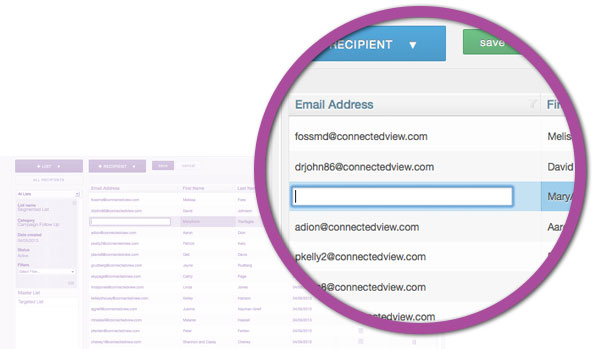
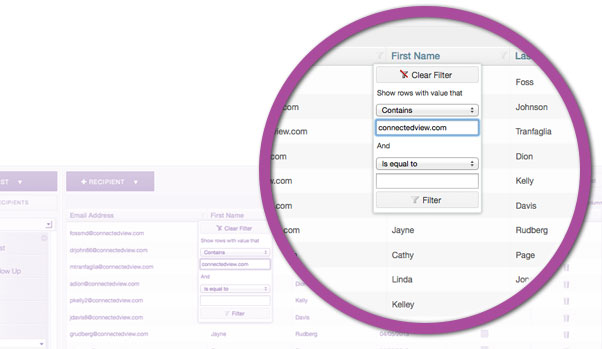
Quickly find, maintain, and update recipient information with search, filter, and edit tools
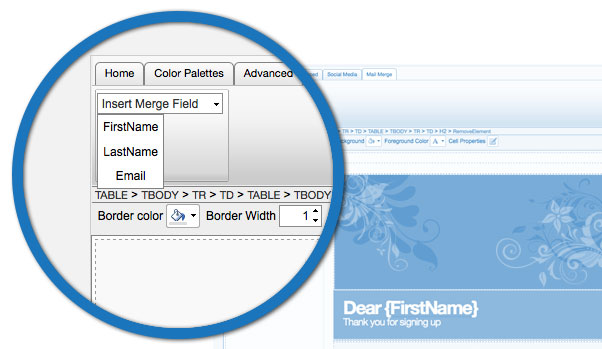
Capture customized information about contacts and use that information as mail merge fields to create personalized correspondence
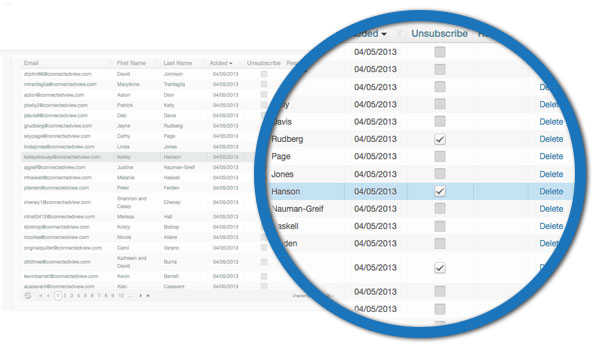
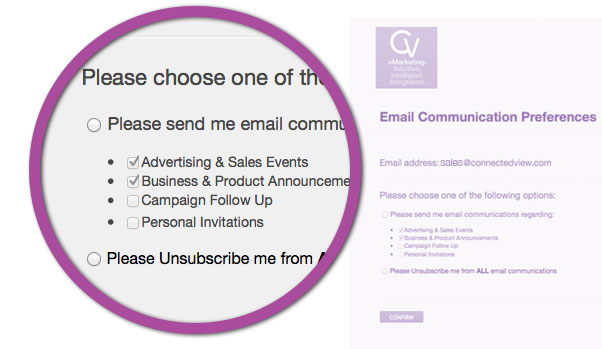
Manage contact unsubscribes to specific lists or to all lists
Allow your contacts to manage their subscription preferences, or automatically unsubscribe emails that were hard bounced
Dynamically create unlimited auto responders
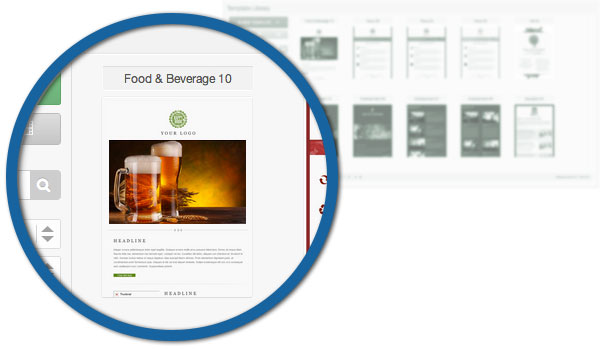
Choose from hundreds of predesigned templates from the library
Import existing templates from your computer
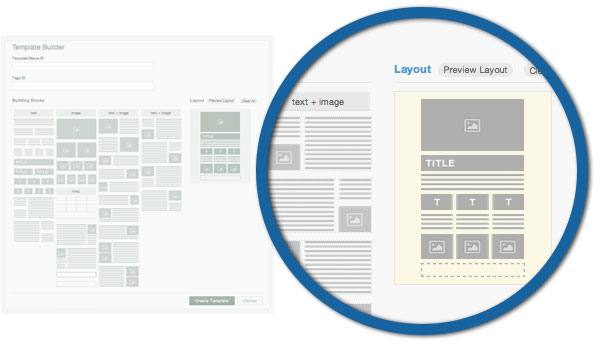
Design your own template using a simple drag & drop builder, customize by different color palettes, insert your pictures (unlimited image storage), including links to your social media websites, among many other options
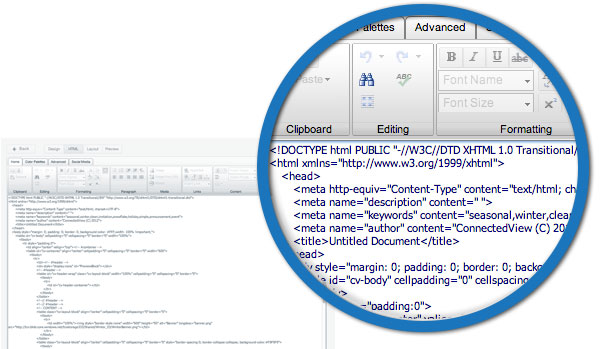
Edit the template code using a sophisticated HTML editor
Change the layout of existing templates with a simple drag & drop editor
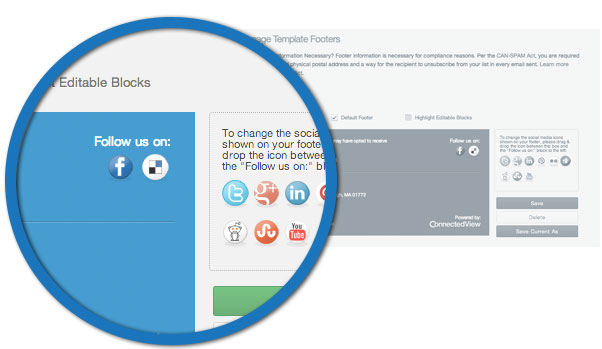
Customize email footers
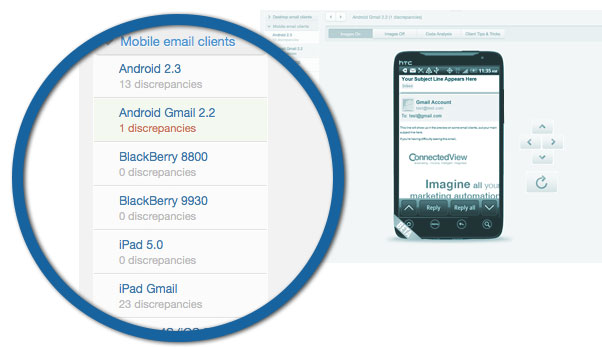
Test Preview
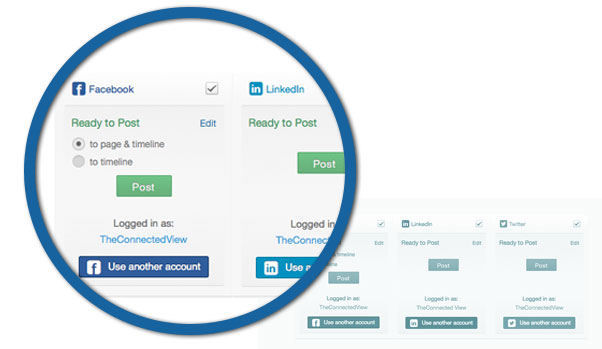
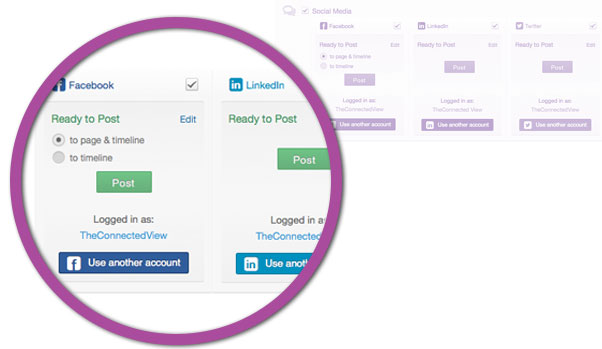
Distribute to Social Media
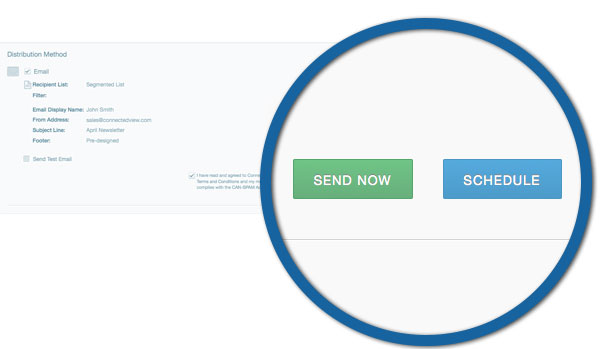
Send Campaign
Statistics Dashboard
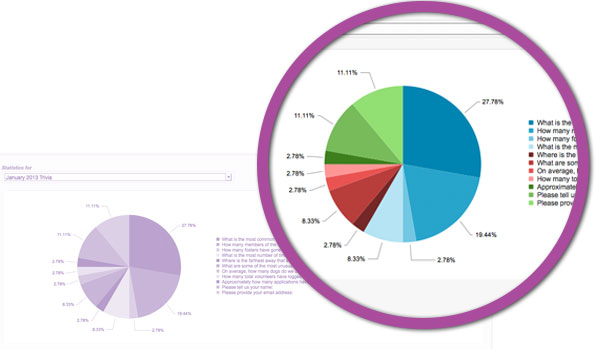
Charts and Graphs
Social Media Statistics
Free test preview for email in more than 25 email clients and mobile devices, such as Gmail, Yahoo!, or Outlook, and on various devices such as iPad, iPhone, or Android-based
Check to make sure your emails will make it through spam filters
Identify broken or invalid links included in your template
Distribute campaign via email and social media (Facebook, Twitter, LinkedIn)
Send your campaign immediately or schedule a time for it to be sent
Archive sent campaigns
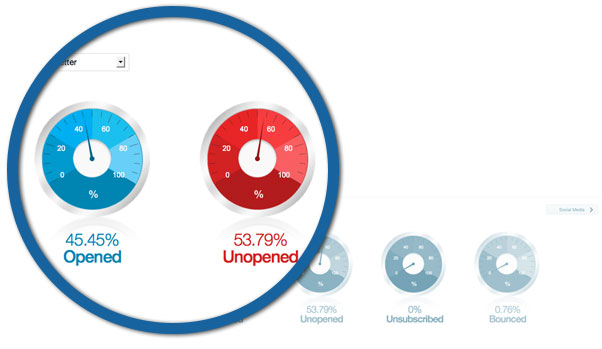
Quickly check the status of your campaign from an easy-to-read dashboard
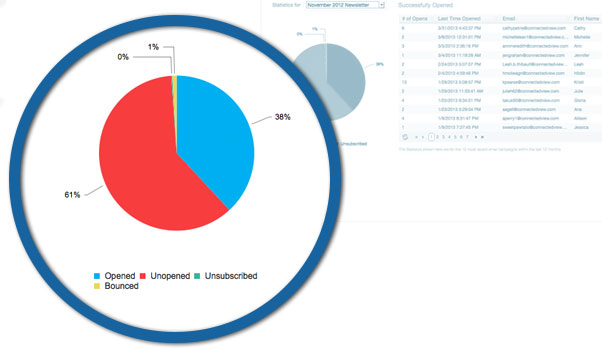
View a summary of your campaign effectiveness with charts and graphs
Check your email delivery statistics, including who opened the email and which ones bounced or unsubscribed
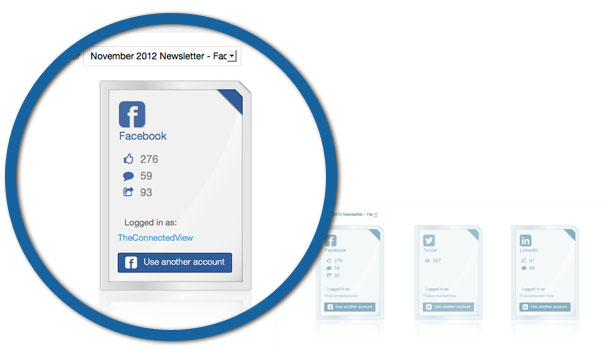
See who is liking, sharing, or commenting on your campaign on your social media sites
View who is clicking on which links in your campaign and how many times they are clicking on them
Analyze campaign trends and averages to see which campaigns are the most successful
Template Library
Layout Builder
HTML Editor
Customizable email footer
Create Contact List
Insert Merge Fields
Manage Unsubscribers
Online + Social Surveys
Import contacts from Microsoft Excel, CSV file, Gmail, or Yahoo! email accounts
Combine multiple contact lists into one list
Segment your contacts list by multiple criteria and categorize to keep things organized
Create targeted segments of your list based on specific actions from your previous campaigns, such as opens or clicks on specific links
Quickly find, maintain and update contact information with search, filter, and edit tools
Capture customized information about contacts and use that information as mail merge fields to create personalized correspondence
Manage contact unsubscribes to specific lists or to all lists
Allow your contacts to manage their subscription preferences, or automatically unsubscribe emails that were hard bounced
Dynamically create unlimited auto responders
Create various types of surveys, including traditional Q&A surveys, polls, etc.
Select a survey from our survey library to customize, or create your own using numerous font and color choices
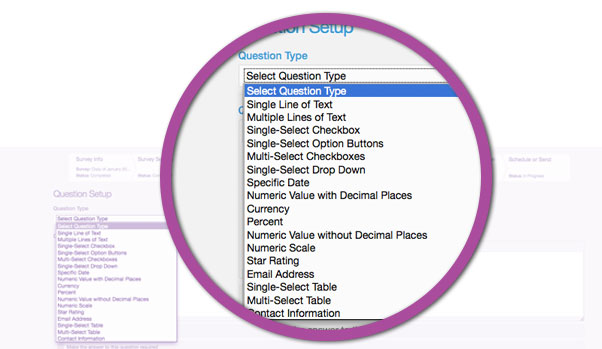
Include different question types, including star ratings, check boxes, scale ratings, text areas, and contact information
Ensure responses to questions by making certain answers mandatory
Allow users to skip to different questions based upon their answers to other questions
Provide users the option to add comments to their responses
Randomize answers for each respondent to avoid bias in survey results
Change the order of questions with our easy-to-use question and answer setup
Attach customizable tags to each survey to easily categorize them
Allow respondents to answer anonymously or to take the survey multiple times
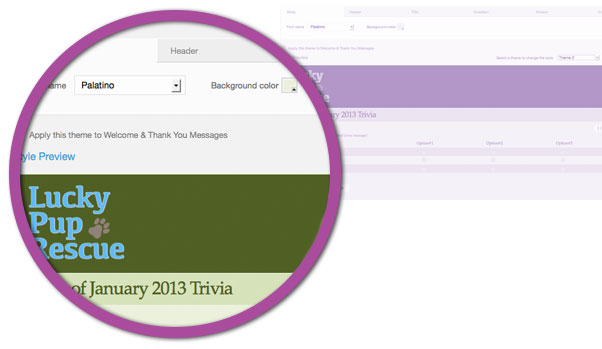
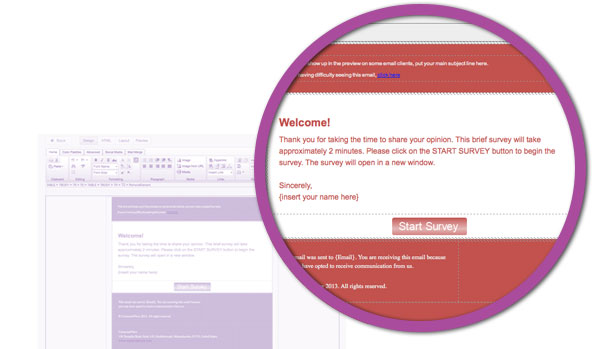
Customize each survey with different welcome messages, start buttons, and thank you messages
Enhance your survey by selecting from our color palettes
Adjust the look and feel of your questions and answers
Avoid receiving results from robots and spammers by requiring respondents to enter a Captcha response
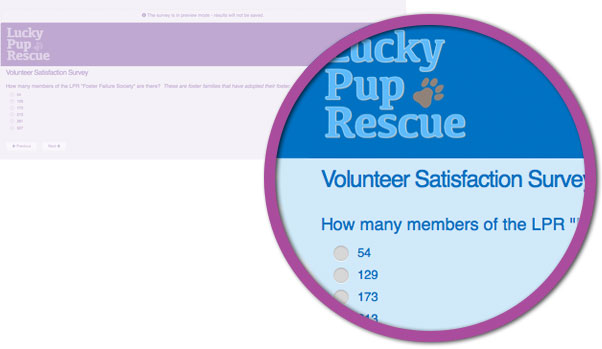
Preview Survey
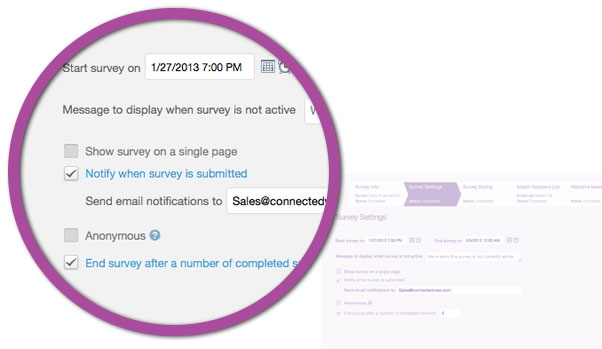
Lots of Settings
Post to Social Media
Survey Statistics
Survey Statistics
Survey Statistics
Preview your survey exactly the way it will appear to your respondents prior to distributing it
Distribute survey via email and social media (Facebook, Twitter, LinkedIn)
Send your survey immediately or schedule a time for it to be sent
Automatically send reminders to people who have not taken the survey
Receive an automatic notification when a respondent takes your survey
Define the period of time that your survey or poll will be active
Quickly check the status of your survey from an easy-to-read dashboard
Check your email delivery statistics, including who opened or forwarded the survey and which ones bounced or unsubscribed
See who is liking, sharing, or commenting on your survey on your social media sites
View up-to-the-minute survey results as respondents complete the survey
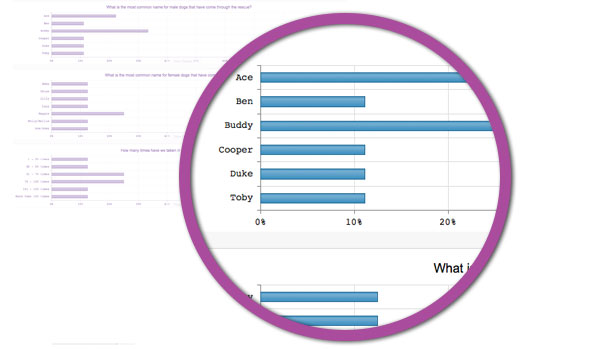
Comprehensive survey results allow you to analyze the success of your survey
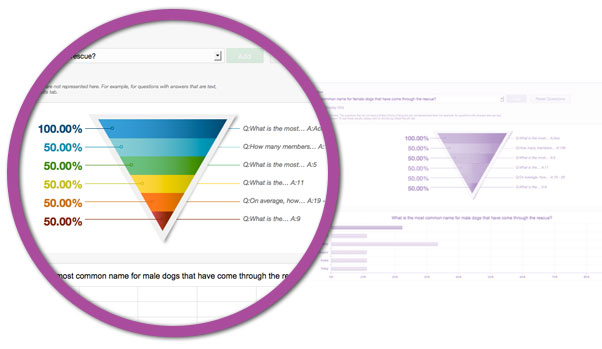
Identify critical points within your survey where respondents abandon it before completion
Export complete survey results to CSV files for statistical analysis
Link survey questions to each other over time for trend analysis
Automatically end your survey or poll after it has reached a maximum number of responses
Drill down into survey results for targeted lists of respondents